
Chrome AI Autofill Now Pulls Flight, Order and Tracking Details From Gmail
TL;DR
- Google is rolling out an opt-in Chrome Autofill upgrade that uses Gemini AI to pull flight confirmations, order details, and package tracking numbers directly from Gmail to auto-fill travel and shopping forms.
- The feature runs only with explicit permission, shows exactly what data was found before filling, and lets users turn off Gmail access, delete suggestions, or limit it to specific sites at any time.
- Early tests show dramatically faster checkout and booking, automatically completing loyalty numbers, itineraries, delivery details and return forms without copy-pasting from email.
How It Works: Gmail Meets Chrome Autofill
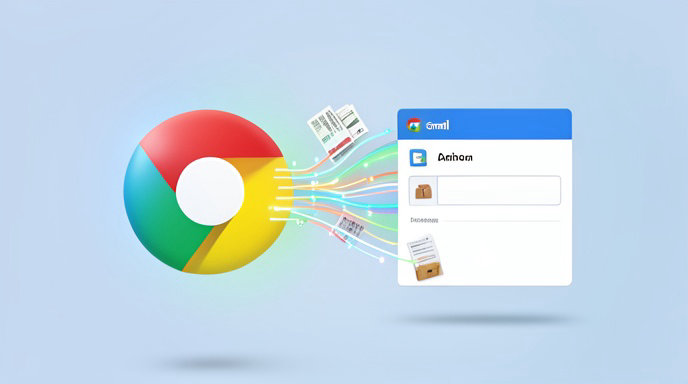
Google's new AI-powered Autofill closes the loop between your inbox and your browser. Instead of hunting through Gmail for a confirmation code, itinerary number, or shipping update, Chrome can now surface that information right inside the form you are filling out.
When you start a checkout, travel booking, or package-tracking lookup, Chrome detects the field type and, with your permission, asks Gemini to scan recent Gmail messages for relevant details. For example, start typing an airline name on a check-in page and Chrome can suggest your confirmation code, flight number, departure time and frequent flyer number pulled from your e-ticket email. On a retailer site, it can pull order number, delivery address, and tracking number for returns or order-status forms.
Google says the system uses context-aware AI models to understand unstructured email content, not just simple keyword matching. That means it can distinguish between multiple trips, link the right order to the right store, and summarize delivery status without exposing the full email body to the website.
Privacy First: Permission, Transparency and Control
Because the feature touches email, Google is positioning privacy controls as central to the launch. The Gmail-connected Autofill is off by default and requires a separate opt-in in Chrome settings under Autofill and passwords > Use Gmail data for Autofill.
Once enabled, Chrome shows a Gmail icon next to any suggestion sourced from email, with a preview of where it came from. You must click to accept each autofill — nothing is filled or sent automatically. Users can revoke Gmail access with one toggle, clear AI-generated suggestions, pause history, or exclude sensitive senders.
Google states the email scanning is not used for ad targeting, and that data processing follows existing Gmail privacy protections with on-device checks where possible and encrypted cloud processing for complex summarization. Enterprise and Education Workspace accounts will have admin controls to disable it organization-wide.
What It Means for Shopping, Travel and Checkout
For online shoppers, the payoff is speed. Returns, warranty registrations, price-match claims and order-tracking forms that normally require copy-pasting a 12-digit order number can now be completed in one click. Chrome can also auto-fill delivery address and contact info matched to the original order to reduce mismatches.
For travelers, the impact is even bigger. Booking sites, airline check-in portals, hotel loyalty forms and TSA-related passenger detail pages can pull passport-adjacent booking data like itinerary numbers, hotel confirmation codes, and loyalty IDs directly from confirmations. No more switching tabs between Gmail and Chrome on mobile.
Retailers and travel platforms benefit too, with fewer abandoned carts and failed form submissions due to wrong tracking or booking codes.
Availability and How to Try It
Google is rolling out the Gmail-connected Autofill to Chrome on desktop and Android in the U.S. first, with iOS and expanded regions coming next. Users need to be signed into Chrome with the same Google Account connected to Gmail and have AI features enabled.
To try it: update Chrome to the latest version, go to Settings > Autofill and passwords, enable Smart Autofill Suggestions, then enable Connect Gmail. On your next supported form, look for the Sparkle plus Gmail badge in the Autofill dropdown.
Google says more categories like event tickets, restaurant reservations and bill reminders will be added over time as Gemini gets better at understanding personal context while keeping users in control.

Get All The Latest Updates Delivered Straight To Your Inbox For Free!